
🎁 Gift CardsUpdated 5 months ago
Give the gift of health!
How to use gift cards or treat a fellow dog parent.
How to buy Digital Wuffes Gift Cards:
1. To buy one of our digital gift cards, you only have to type "Gift card" in the 🔍 Search Bar from our website, or access our digital gift card shop here.
2. Then, you only have to select the amount of the gift card and the style of your preference.
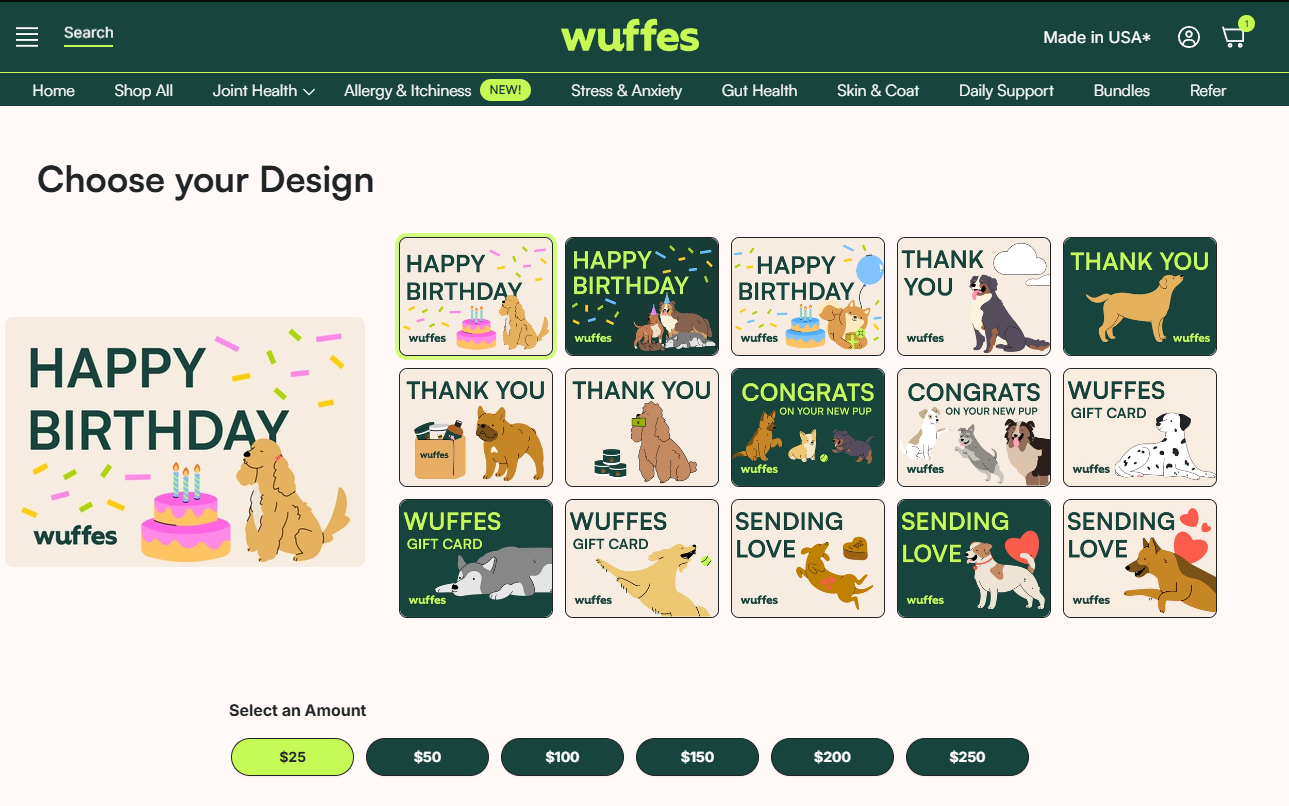
4. Fill out all the information and click on "Add to cart," and once you are ready to complete your purchase, click on the button "Proceed to checkout" on your cart to complete your purchase.
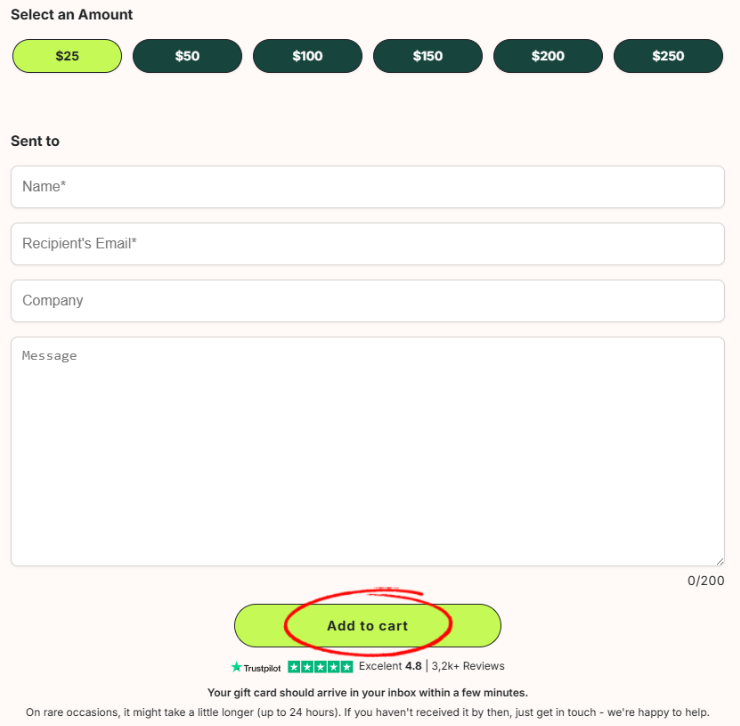
5. Our gift cards are digital-only, so once you complete your purchase, the gift card will be sent directly to the email indicated on your purchase.
How to redeem a gift card.
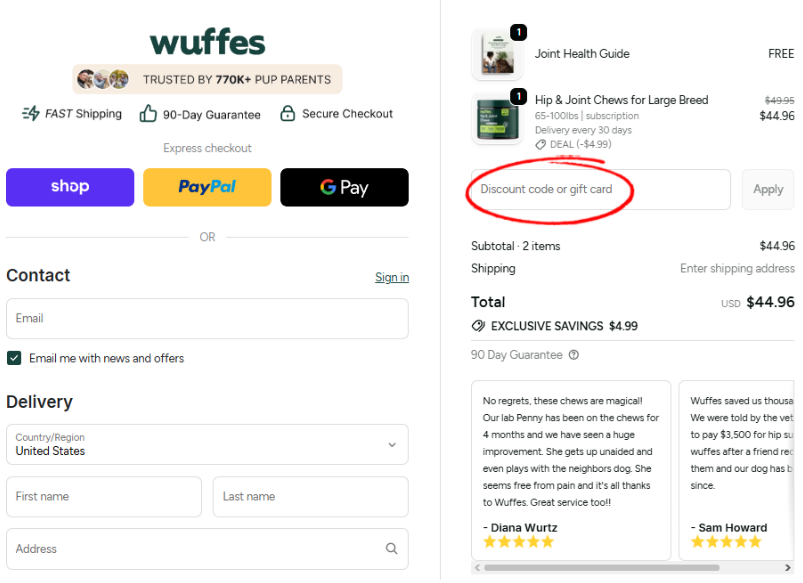
1. To redeem a gift card, simply need to type in your gift card code on the checkout page section, as shown below:
If you experience any troubles during this process, make sure to contact our Customer Support team, and we'll be happy to further assist you!