
🔐 How to log in to your accountUpdated 5 months ago
Need to know how to log in to your account? No worries! Follow these easy steps to log in to your account with ease.
(Note: An account will only be available if you've completed your purchase as a "subscription." One-time orders will not create an account.)
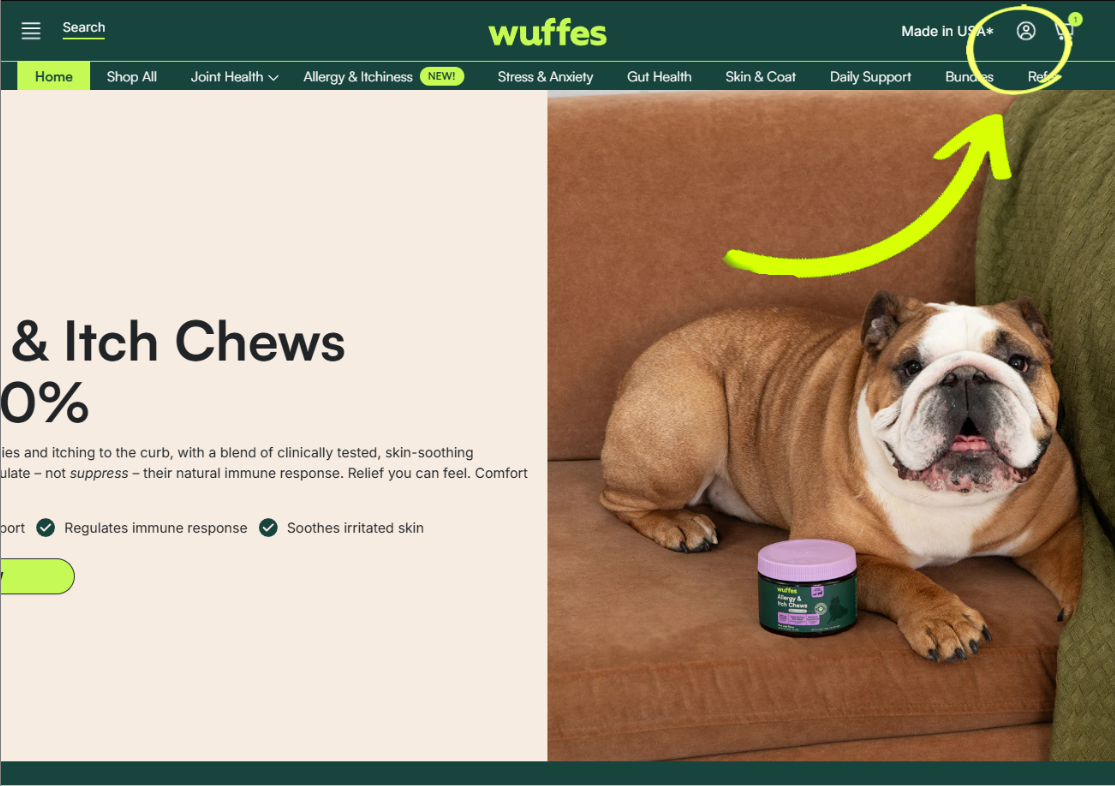
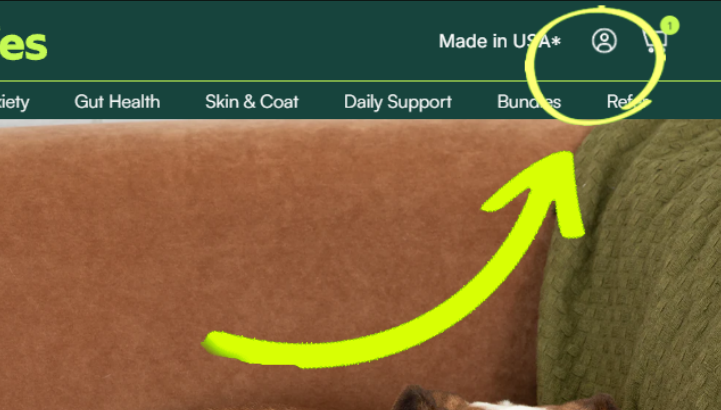
1. Click on the user icon located on the top right corner of the page, right next to the shopping cart.
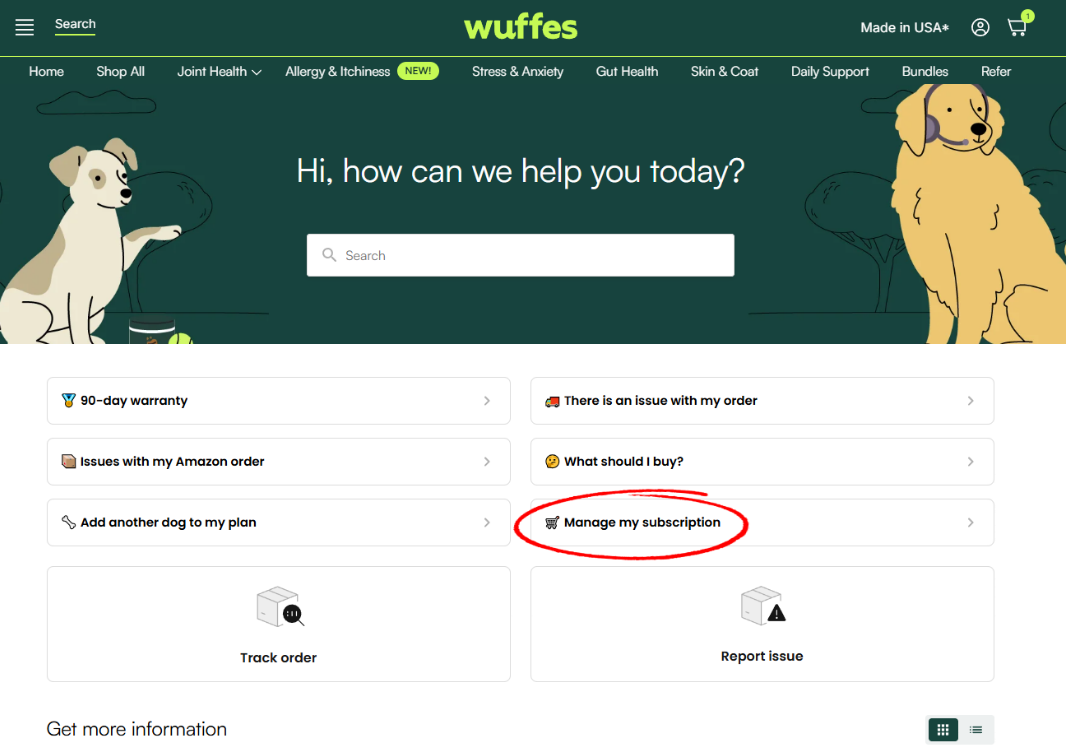
Alternatively, you can also access through the "Manage my subscription" option available in our "Help Center" section.
2. Enter the email associated with your Wuffes purchase, and a 1-time login code will be sent to your email address. Please make sure to check your Spam folder!
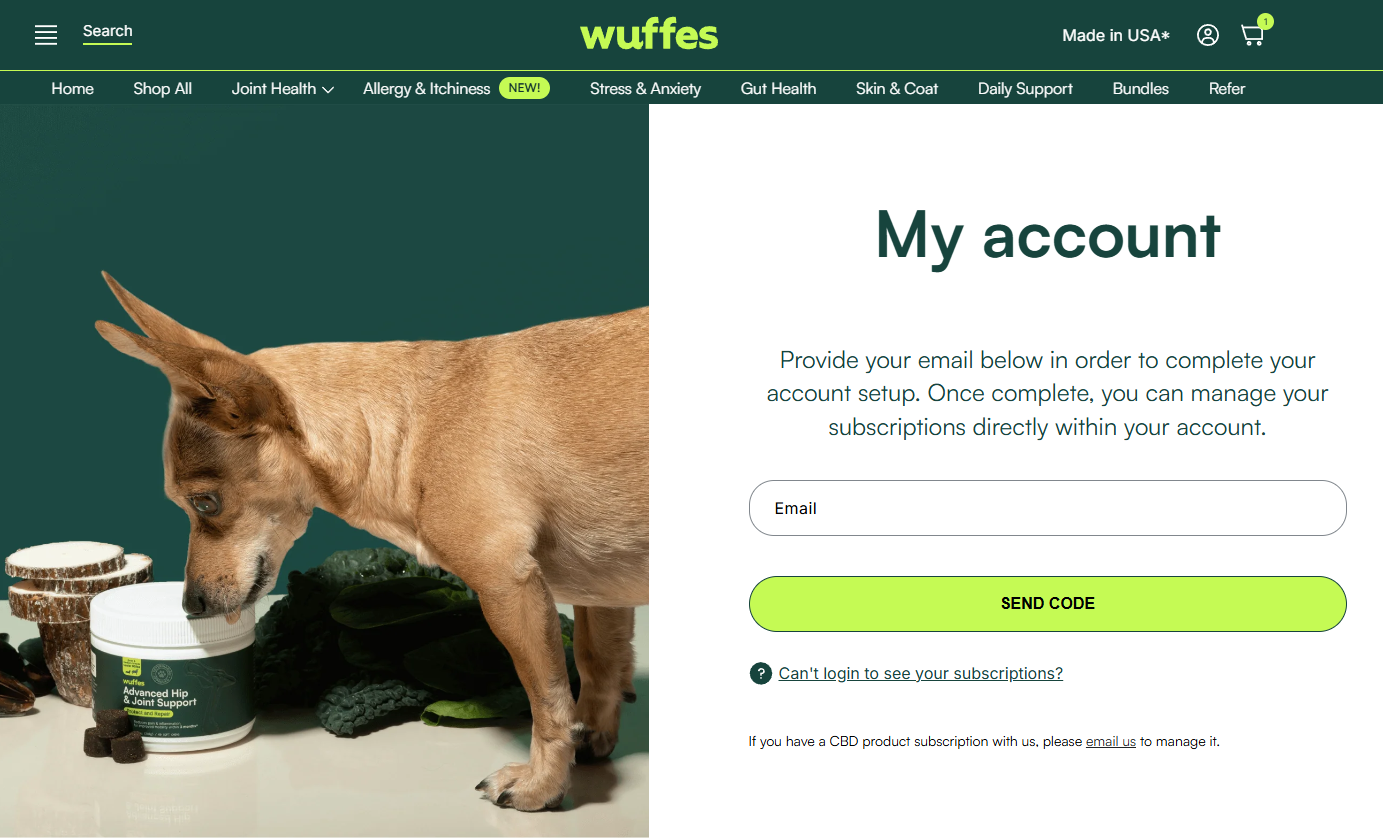
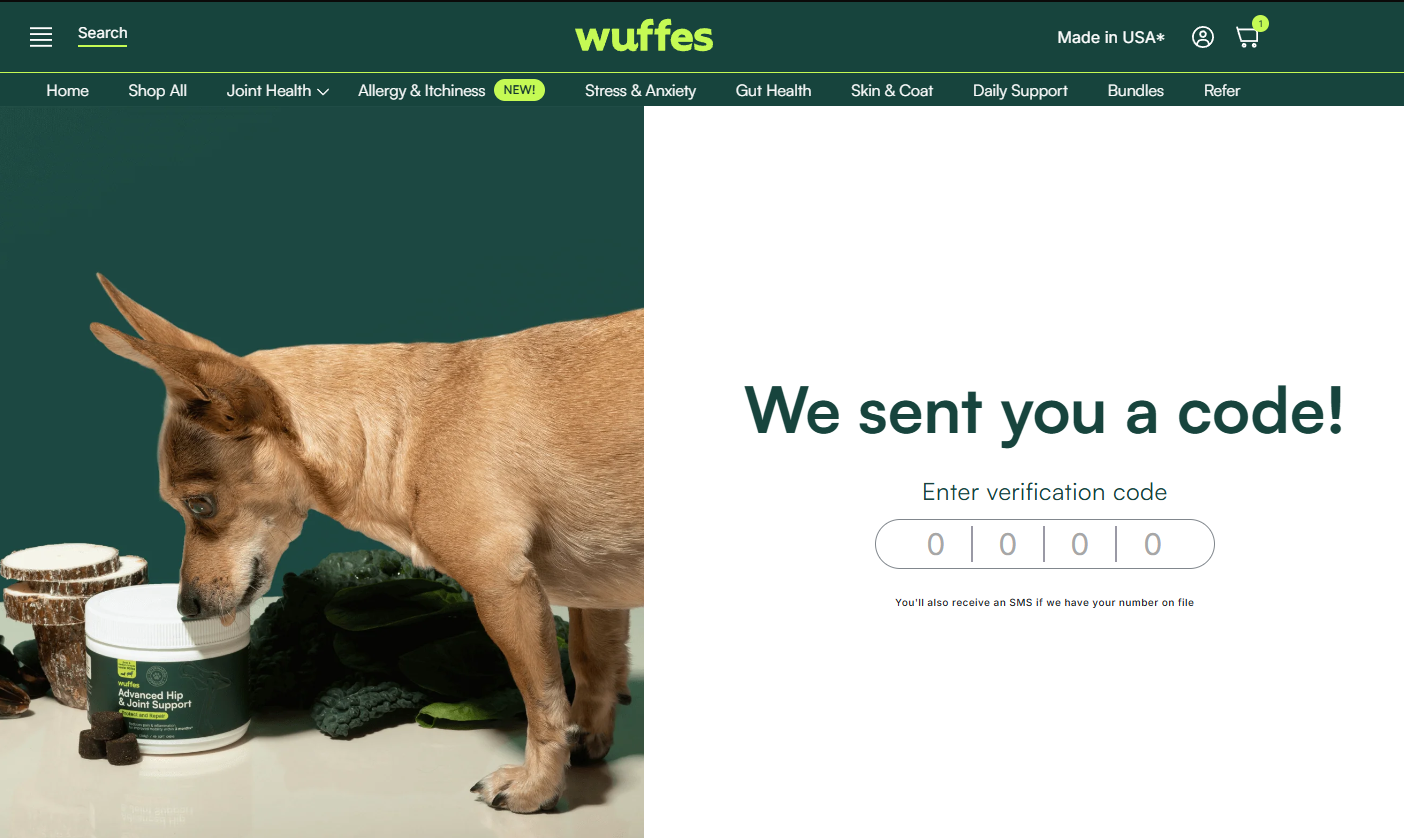
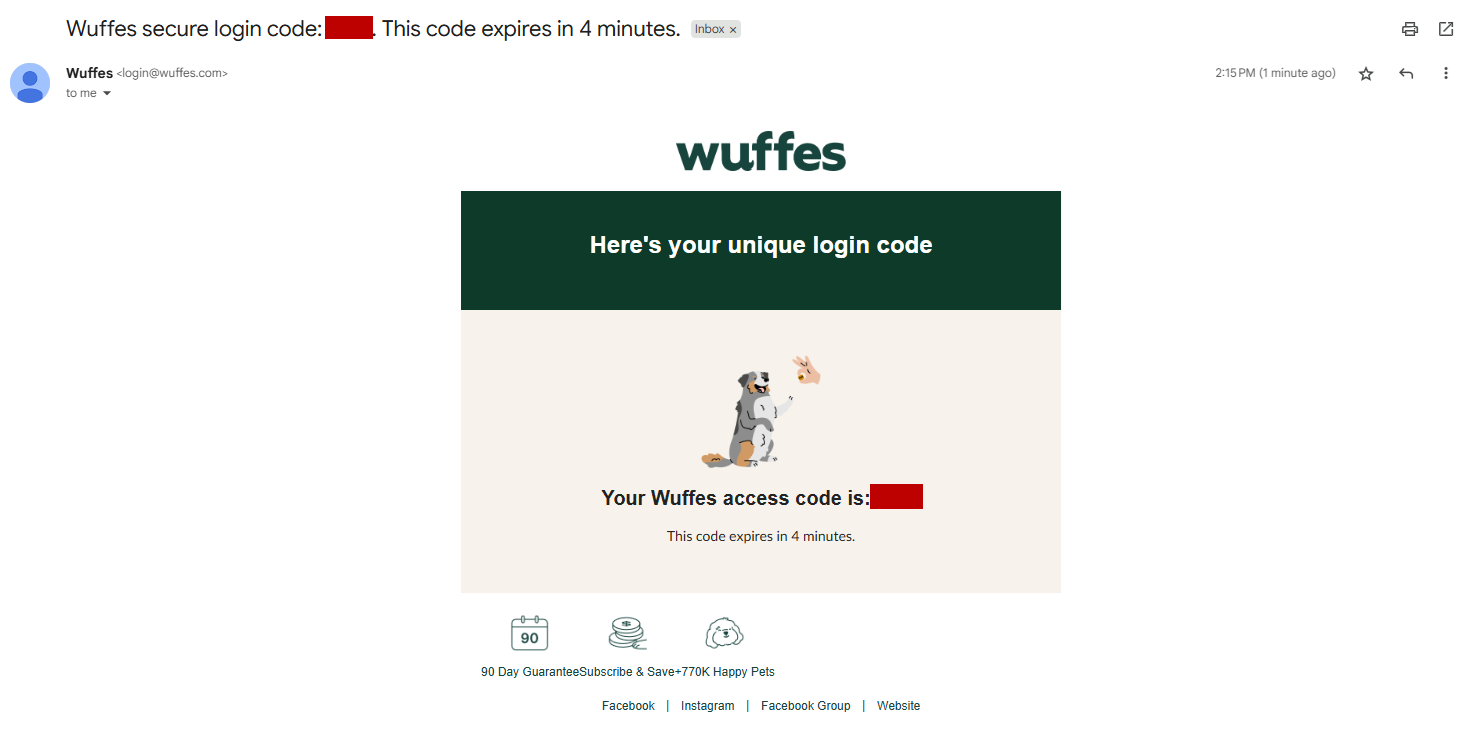
4. Enter the code, and you are all set!
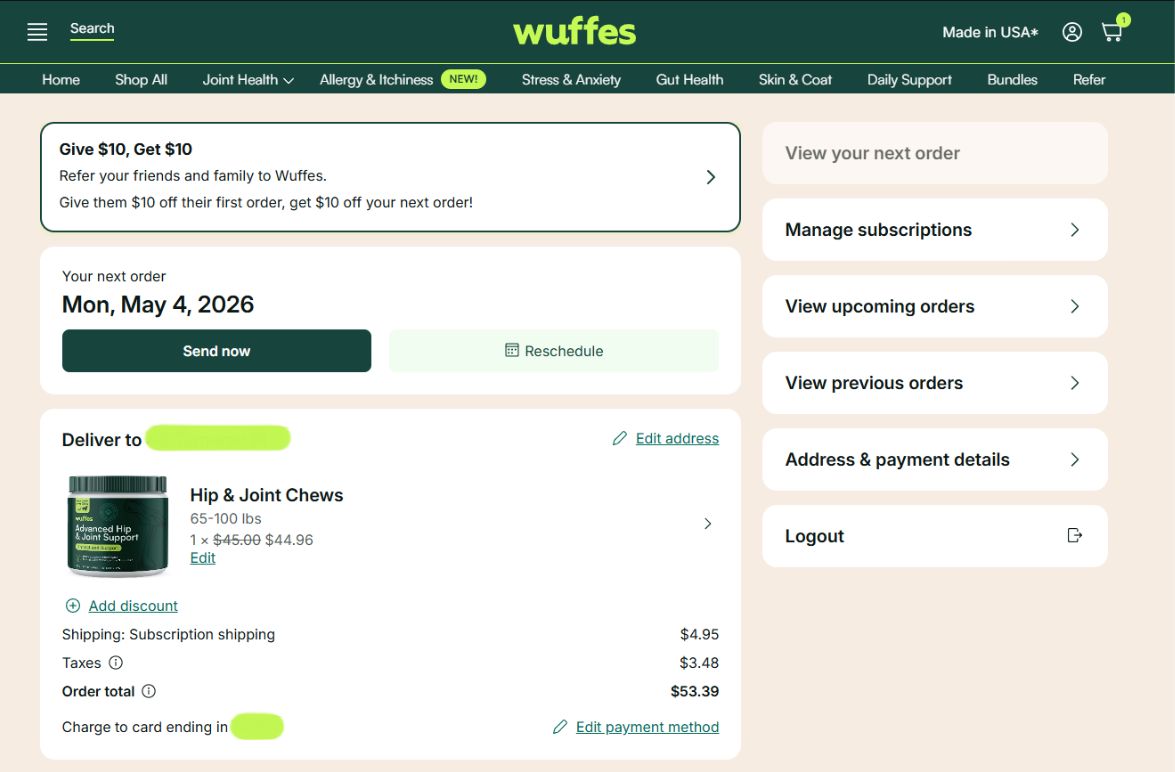
💡 Troubles signing in? We highly recommend clearing the cookies & cache on your web browser, as well as your browsing history, restart your web browser and try to log in one more time!
💡 Not receiving the verification code? Do not worry! The verification code may sometimes be detected as "spam" by your email's filtering system, so please make sure to check your spam folder!.